Building a Book Club App with AWS Amplify Gen 2, S3, Dynamo DB & App Sync
Explore building a book club app with AWS Amplify Gen 2! Learn how to leverage S3, DynamoDB, and AppSync for a cost-effective solution.
 Parathan Thiyagalingam
I built a book tracking app with AWS Amplify Gen 2. It cost me around $0.60/month to run.
This isn't a perfect tutorial. Just sharing what worked and what didn't.
Why Build Another Book App?
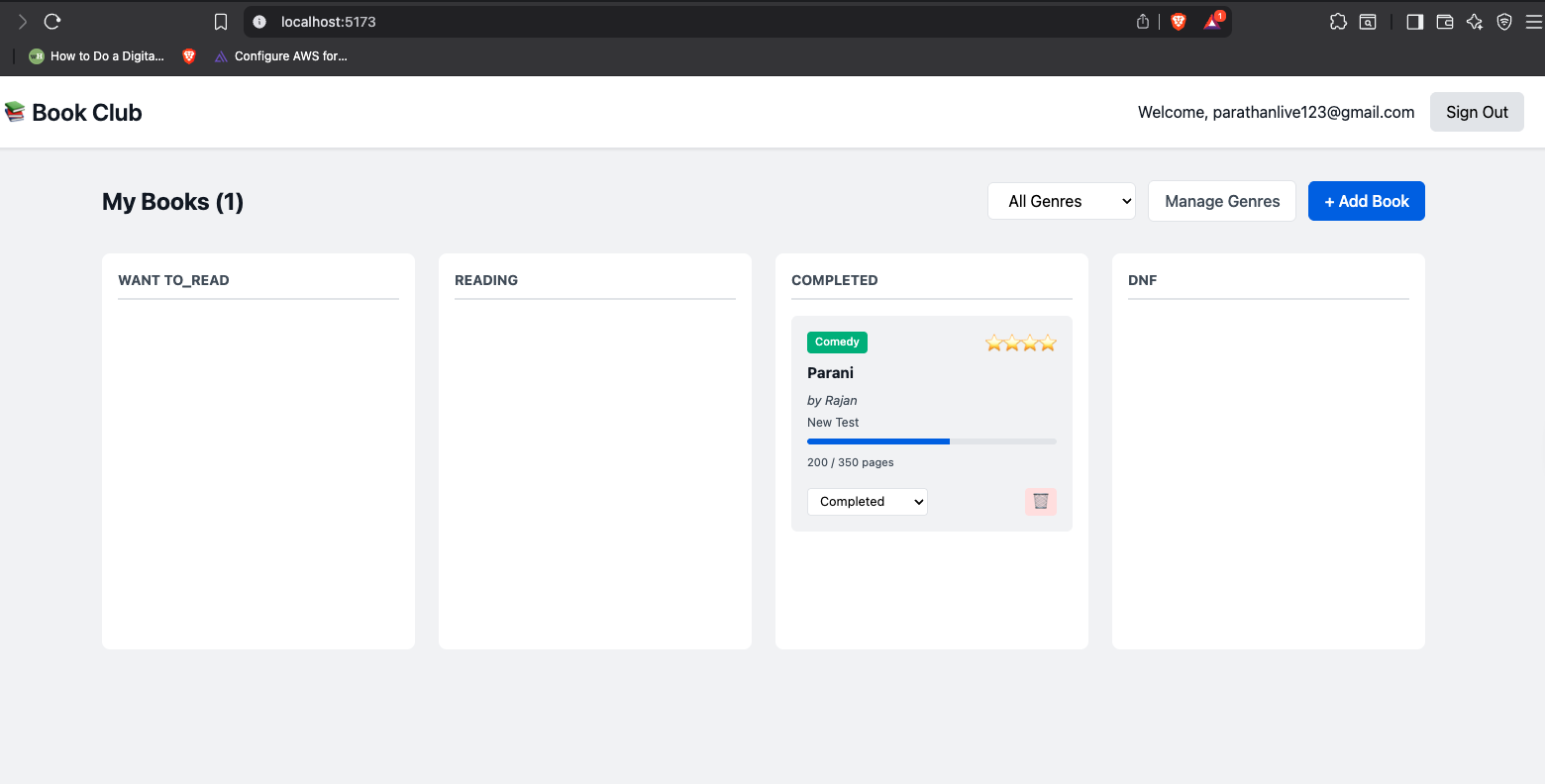
I wanted to learn Amplify Gen 2 properly. Not by reading docs, but by building something real. So I made a book club app where you can track what you're reading, rate books, and upload cover images.
The main thing I wanted to test was AWS's new "code-first" approach. In Gen 1, you had to use their Studio UI to define your schema. In Gen 2, everything is TypeScript. Sounded good on paper, but does it actually work?
Spoiler: Yes. But you'll fight with IAM permissions first.
Gen 1 vs Gen 2: What Changed
Gen 1: You open Amplify Studio in your browser. Click around to define your schema. Hope the CLI generates matching types. Commit... something. Your teammate changes something in Studio. Merge conflict. Nobody knows what's the source of truth.
Gen 2: Everything is TypeScript. Your schema lives in a file. That file IS your backend. No UI, no drift.
// amplify/data/resource.ts
const schema = a.schema({
Book: a.model({
title: a.string().required(),
author: a.string().required(),
})
.authorization((allow) => [allow.owner()])
});
From this, Amplify generates everything:
- DynamoDB tables
- GraphQL API with all CRUD operations
- TypeScript types
- Authorization logic
- Real-time subscriptions
Your TypeScript code IS your infrastructure. That's the key difference.
Wait, do I HAVE to use TypeScript everywhere?
Not exactly. Gen 2's backend configuration (auth, data, storage, functions) is authored in TypeScript files like amplify/*/resource.ts. That's the "fullstack TypeScript" workflow AWS is pushing now.
But your frontend? Use whatever. React with plain JavaScript works fine. You're just consuming the Amplify libraries. The TypeScript part is really about defining your infrastructure as code, not forcing your entire app to be TypeScript.
That said, if you do use TypeScript on the frontend, the type safety is incredible. My editor autocompletes database fields, catches type mismatches before compile, and generally makes everything feel safer.
If you're coming from Gen 1 where you could use JavaScript Lambdas and configure things via CLI, yeah, Gen 2 expects you to write those backend config files in TypeScript. But it's worth it for the type safety and version control alone.
AppSync vs Lambda: What I Figured Out
This confused me at first. Do I need Lambda or not?
Lambda runs your code. You give it input, it does work, returns output. Like a function in the cloud.
AppSync is your GraphQL API. It sits between your frontend and your data.
Here's what I learned: You don't always need Lambda.
When you skip Lambda
For basic operations like "get book" or "create book", AppSync talks directly to DynamoDB. No Lambda needed.
User clicks "Add Book"
→ AppSync receives request
→ AppSync writes to DynamoDB directly
→ Done (60ms total)
This is what I'm using. It's faster and cheaper.
When you need Lambda
When you have actual business logic:
- Validate ISBN format
- Call Google Books API
- Send email notifications
- Generate recommendations
- Resize images
Then:
User action
→ AppSync
→ Lambda does the work
→ Returns result
→ AppSync sends back
In my app: Zero Lambda functions. AppSync handles everything through direct DynamoDB operations using VTL resolvers (Velocity Template Language - basically translators that AppSync runs internally).
The win: No Lambda means no cold starts, lower latency (~60ms vs ~160ms), and 20% cheaper.
The Real-Time Part (AppSync Subscriptions)
When you create a book, it appears on screen immediately. No refresh needed.
AppSync handles this through subscriptions. What observeQuery() does is: it runs an initial query to get your data, then sets up a WebSocket connection to listen for any create/update/delete events on that model.
When you do a mutation (like creating a book), AppSync detects the change and pushes an update through that WebSocket to all subscribed clients. The latency is around 100-200ms from button click to seeing the update. Fast enough to feel instant.
The code is simple:
const [books, setBooks] = useState([]);
useEffect(() => {
const sub = client.models.Book.observeQuery().subscribe({
next: ({ items }) => setBooks(items)
});
return () => sub.unsubscribe(); // Don't forget cleanup!
}, []);
One thing I learned the hard way: you NEED that cleanup function. Without it, you get memory leaks and duplicate subscriptions when the component remounts.
I initially added a 500ms delay before closing my modal, thinking AppSync needed time to broadcast. Turns out that wasn't the issue at all - the subscription events arrive asynchronously after the mutation resolves, so the modal doesn't need to stay open. My actual problem was probably React StrictMode mounting things twice or some other state management issue. Once I fixed the root cause, the delay became unnecessary.
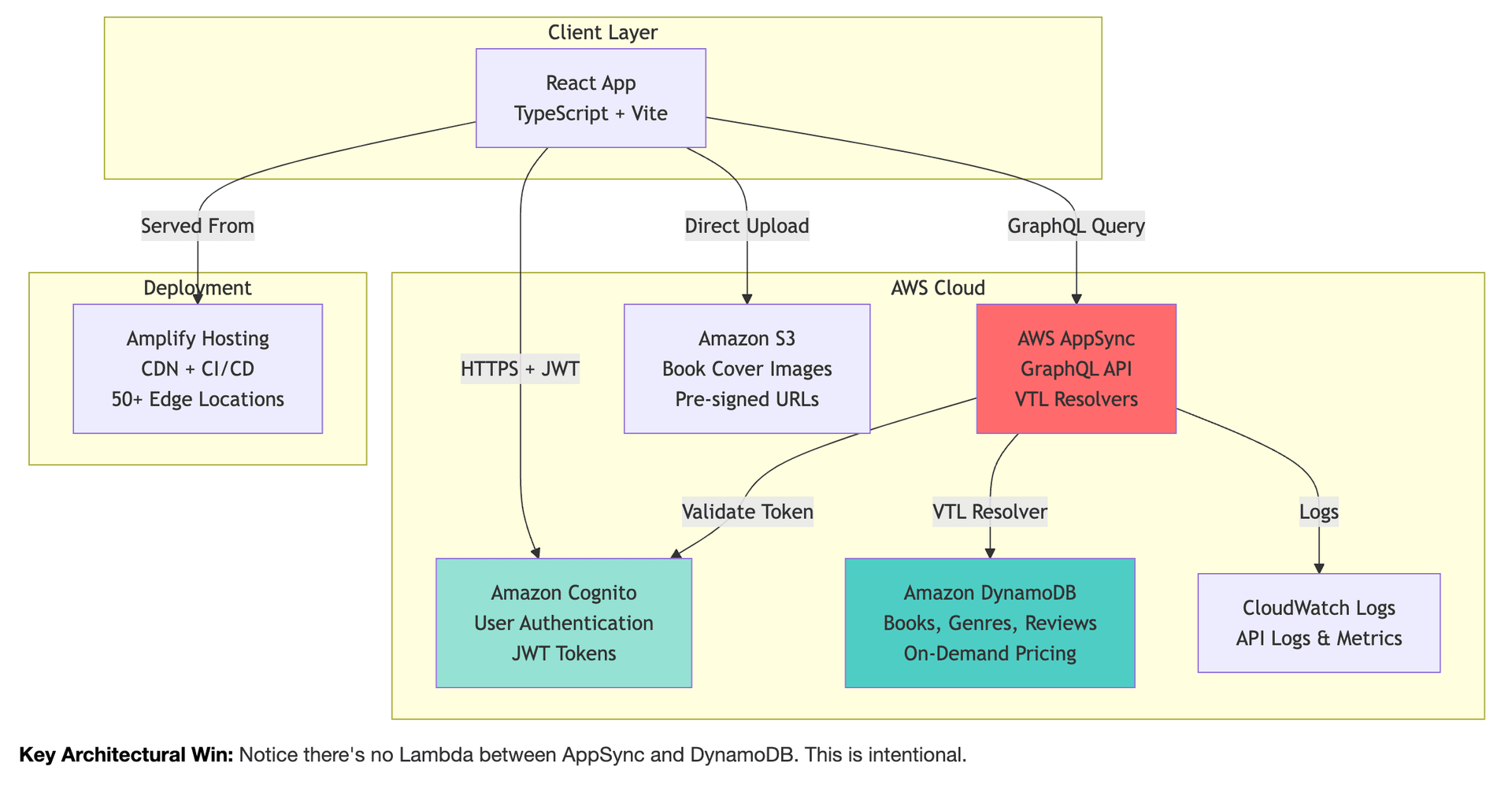
The Architecture
Here's what I ended up with:
React App
↓
Cognito (login/auth)
↓
AppSync (GraphQL API)
↓
DynamoDB (data storage)
Plus:
- S3 for book cover uploads
- CloudWatch for logs
The Annoying Parts
IAM permissions ate 2 hours of my day. Ran npx ampx sandbox and got hit with permission errors:
Error: not authorized to perform: cloudformation:CreateStack
Error: not authorized to perform: ecr:CreateRepository
Error: not authorized to perform: s3:PutLifecycleConfiguration
Took 8 tries to get all the permissions right. Instead of giving everything access to S3, I scoped it to just amplify-* buckets. AWS makes you think about security upfront. Annoying, but probably smart.
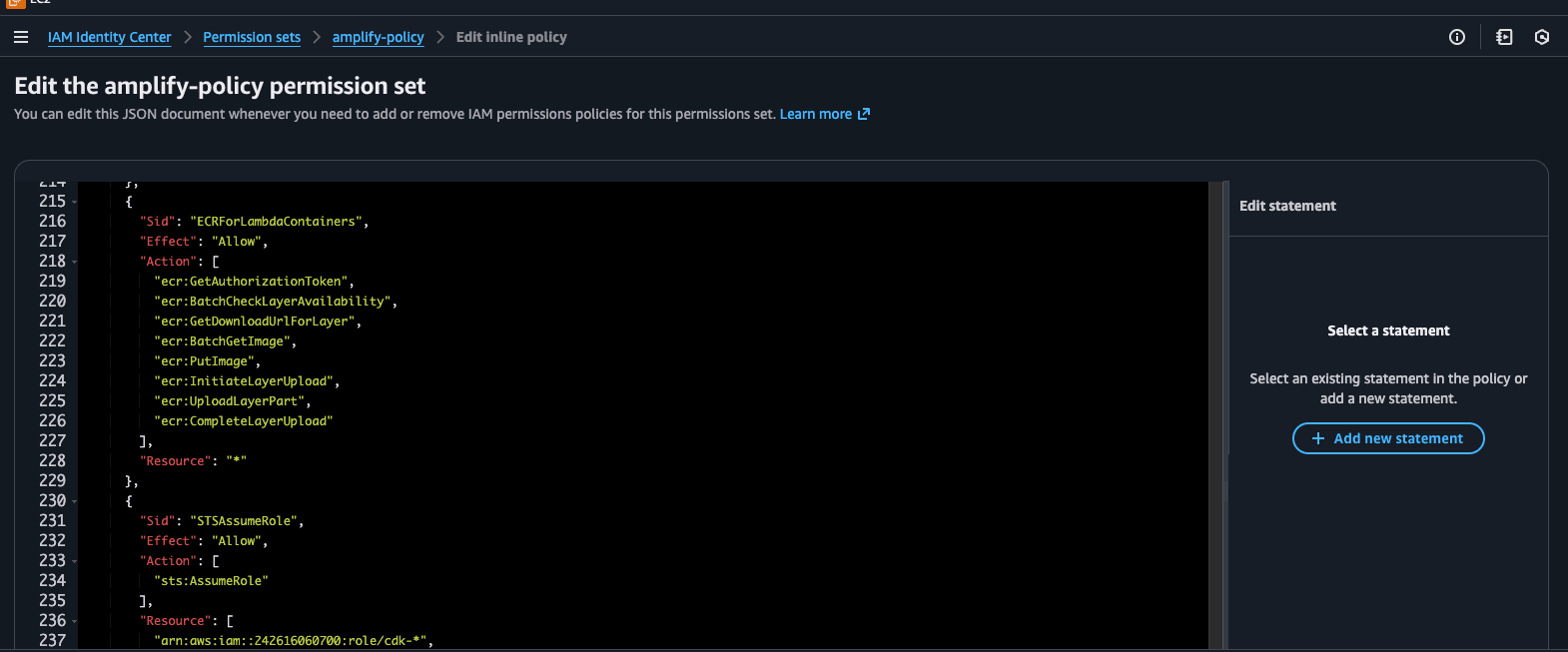
I used IAM Identity Center to spin-up Amplify: Check here for Local setup -> https://docs.amplify.aws/react/start/account-setup/
The Cool Parts
The type safety is insane. My editor knows exactly what fields exist on every model. I can't even compile code that tries to set a string field to a number. Caught 12 bugs this way before even running the app.
await client.models.Book.create({
title: "1984",
// Editor autocompletes everything: author, status, rating, etc.
});
// This won't even compile:
await client.models.Book.create({
title: 123, // Error before you even save the file
});
How Much This Costs
For 100 active users:
Free (forever):
- Cognito: 50K users
- DynamoDB: 25 GB
- CloudWatch: 5 GB logs
Not free:
- AppSync: $4 per million requests
The Infrastructure Magic
I write:
Book: a.model({
title: a.string().required(),
})
Amplify generates ~5,000 lines of:
- DynamoDB table config
- GraphQL schema
- VTL resolvers
- TypeScript types
- Auth checks
Takes 2 minutes to deploy. Change the file, save, wait 30 seconds, it's live.
Dev vs Production: How It Actually Works
This part confused me initially. How do you develop locally without messing up production?
Development (Sandbox)
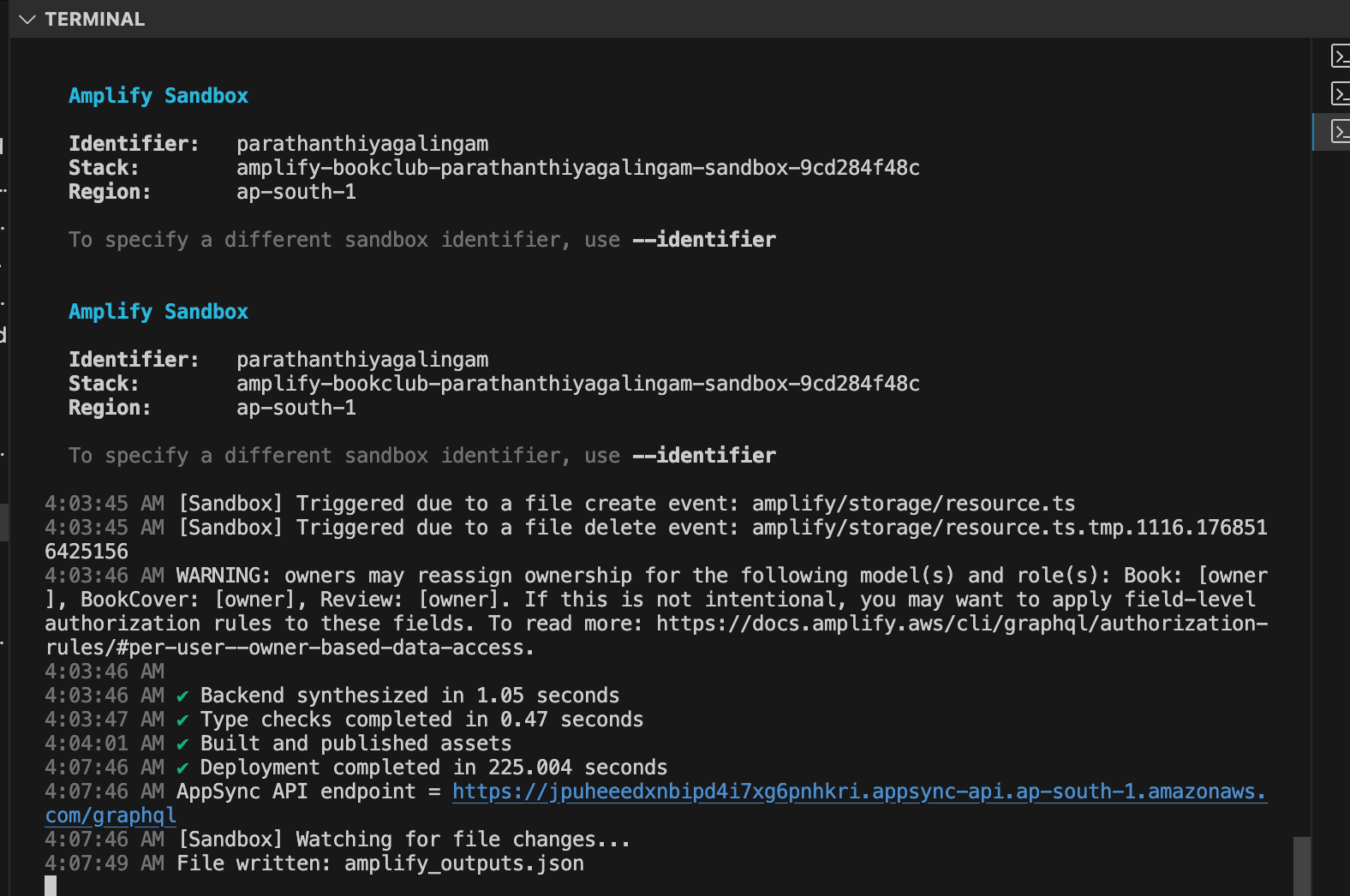
When you run npx ampx sandbox, Amplify spins up a complete AWS environment just for you. Not on your laptop - in the cloud.
npx ampx sandbox
What happens:
- Amplify reads your
amplify/*/resource.tsfiles - Converts them to AWS CDK (Cloud Development Kit) code
- CDK generates CloudFormation templates
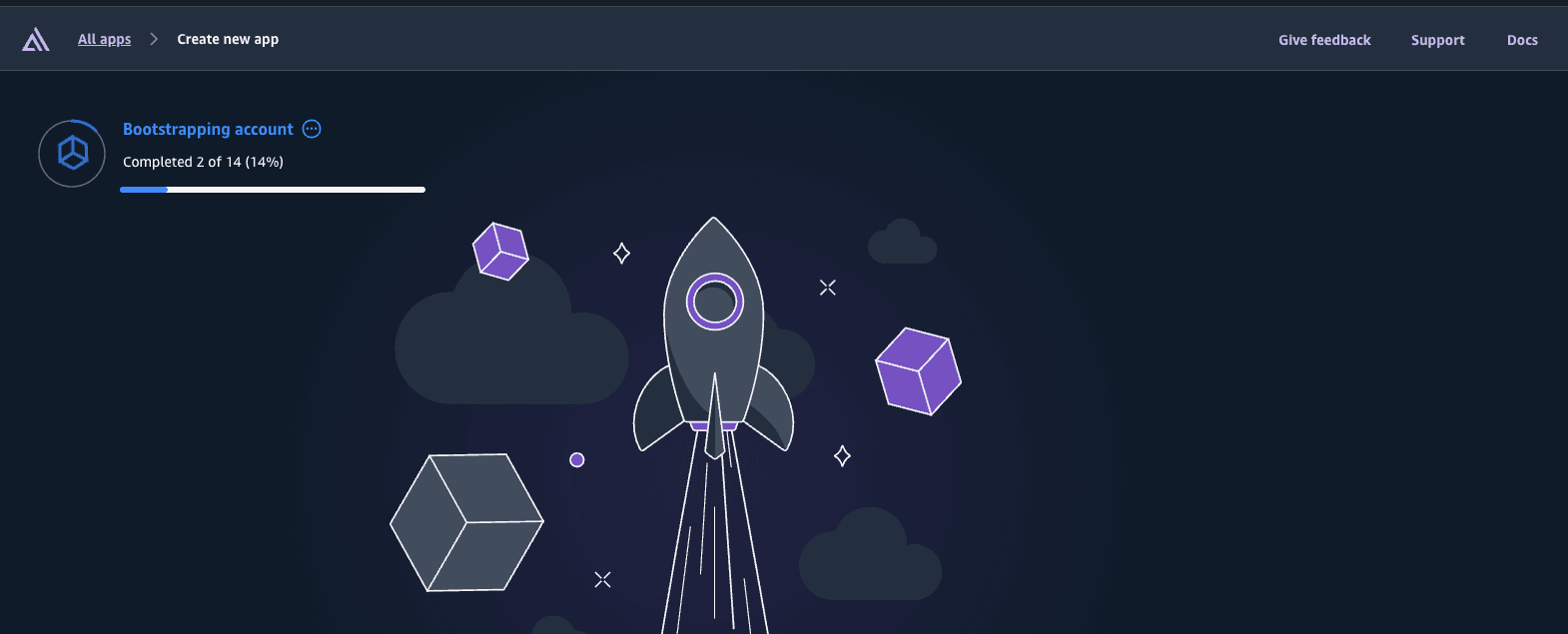
- CloudFormation provisions actual AWS resources (DynamoDB, AppSync, Cognito, S3, etc.)
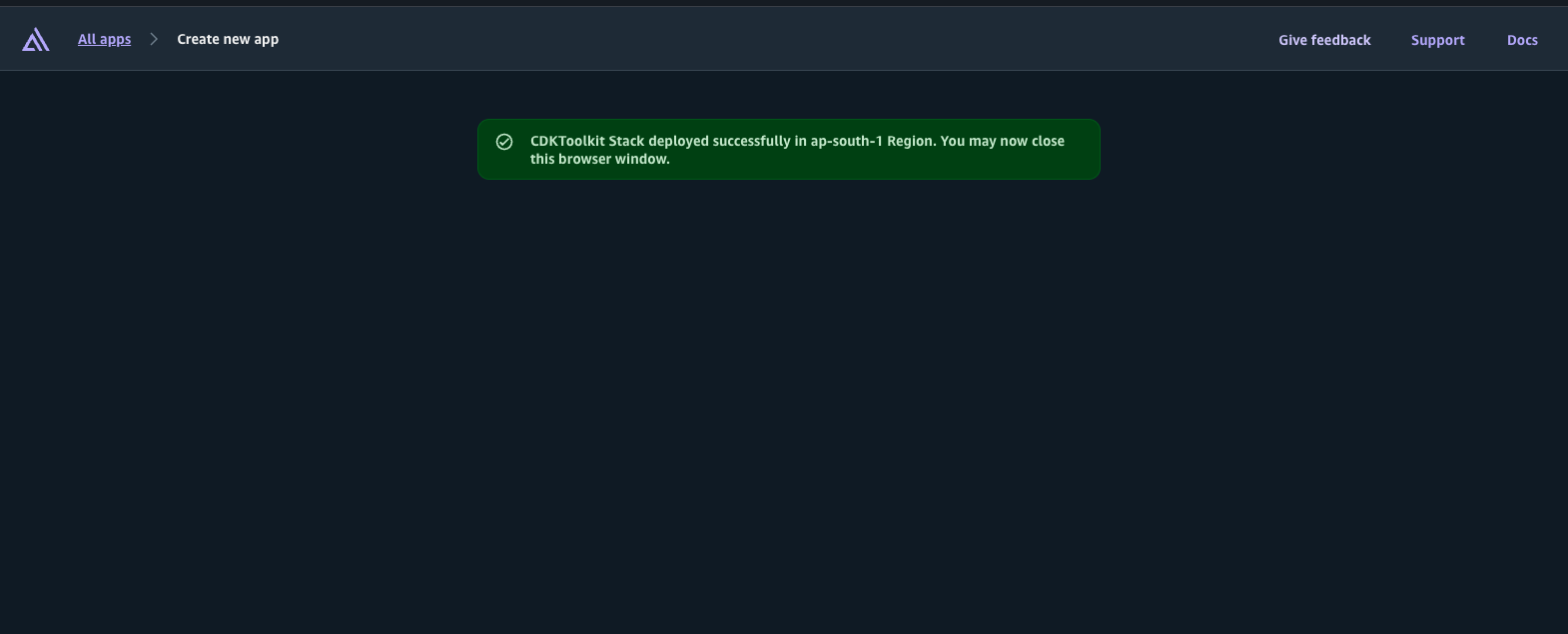
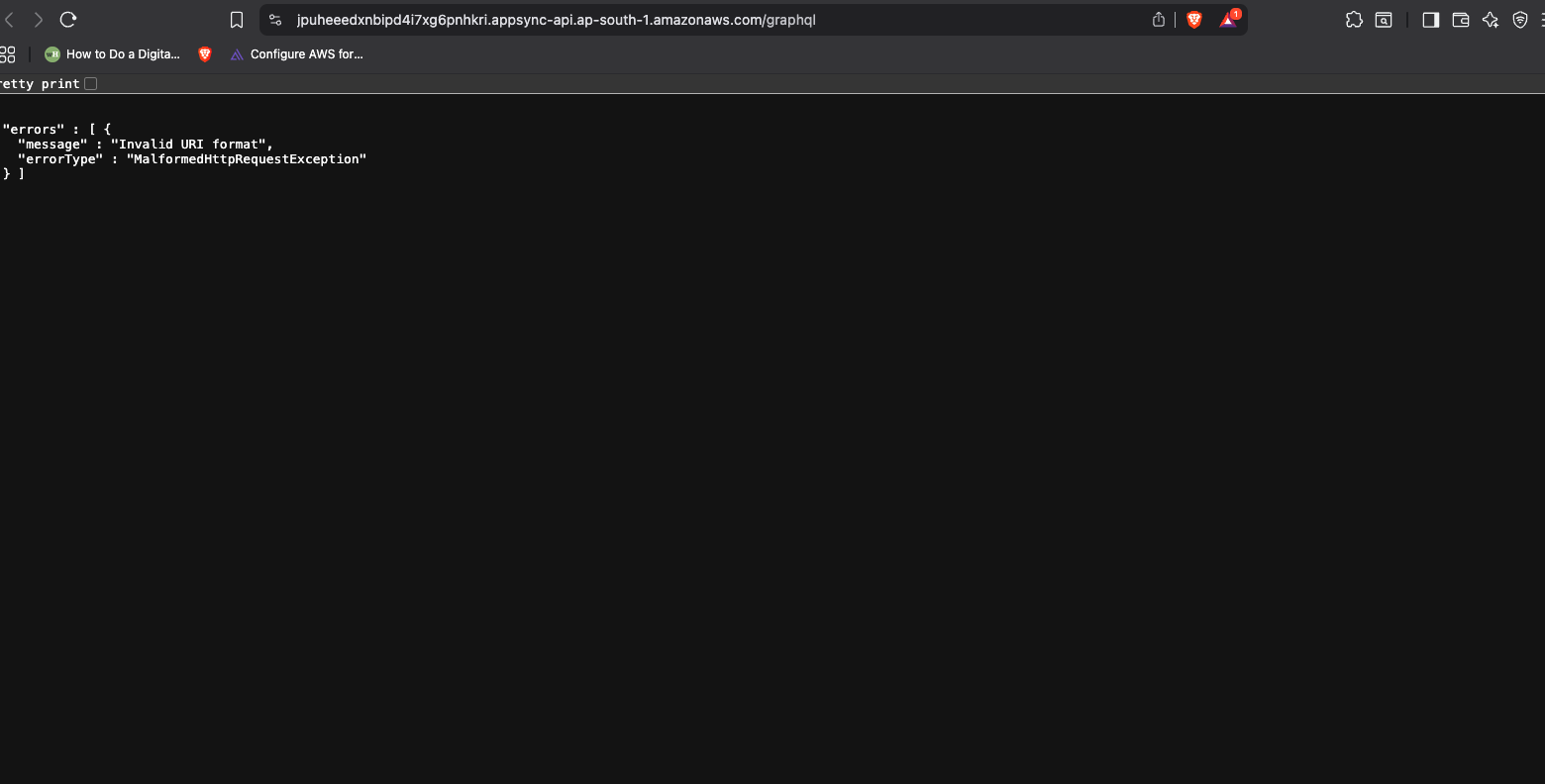
- You get a personal sandbox with real AWS services
The sandbox watches your files. Change your schema, save, and 30 seconds later your sandbox updates. No manual deployments. No CI/CD wait times.
Every developer on your team gets their own sandbox. Your changes don't affect theirs. When you're done, run ampx sandbox delete and everything gets cleaned up.
Production Deployment
When you're ready to ship:
git add .
git commit -m "Add book tracking feature"
git push
Then:
npx ampx pipeline-deploy --branch main --app-id
Amplify creates a production environment using the same process:
- TypeScript → CDK → CloudFormation → Real AWS resources
- But this time it's permanent, not a sandbox
- You get a production URL for your app
- Amplify Hosting serves your frontend
The cool part: both sandbox and production use the exact same AWS CDK under the hood. So what works in sandbox works in production. No "works on my machine" problems.
How Resources Actually Get Created
This is what I found most interesting. When you define your backend in TypeScript:
// You write this
Book: a.model({
title: a.string().required(),
})
Here's the flow:
- TypeScript config → Amplify's code reads your resource definitions
- AWS CDK → Amplify converts to CDK constructs (infrastructure as code)
- CloudFormation template → CDK synthesizes to a CloudFormation JSON/YAML template
- CloudFormation execution → AWS CloudFormation reads the template and creates:
- DynamoDB table with proper indexes
- AppSync GraphQL API with VTL resolvers
- IAM roles and policies for authorization
- CloudWatch log groups
- S3 buckets for storage (if you defined storage)
CloudFormation is what actually talks to AWS services and provisions everything. Amplify Gen 2 is basically a really nice TypeScript wrapper around CDK, which is a nice wrapper around CloudFormation.
The benefit: CloudFormation tracks everything as a "stack". Update your schema? CloudFormation figures out what needs to change and what can stay the same. Delete your sandbox? CloudFormation tears down the whole stack cleanly.
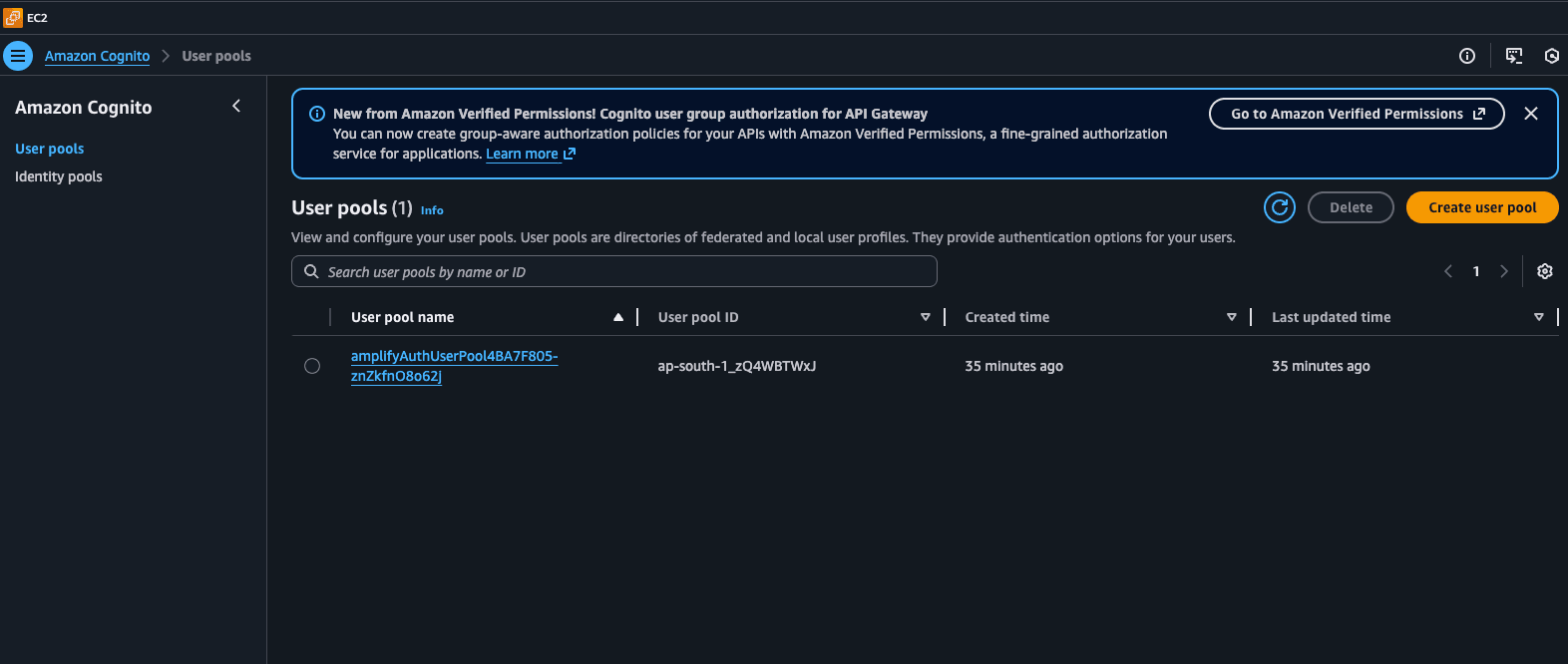
Cognito
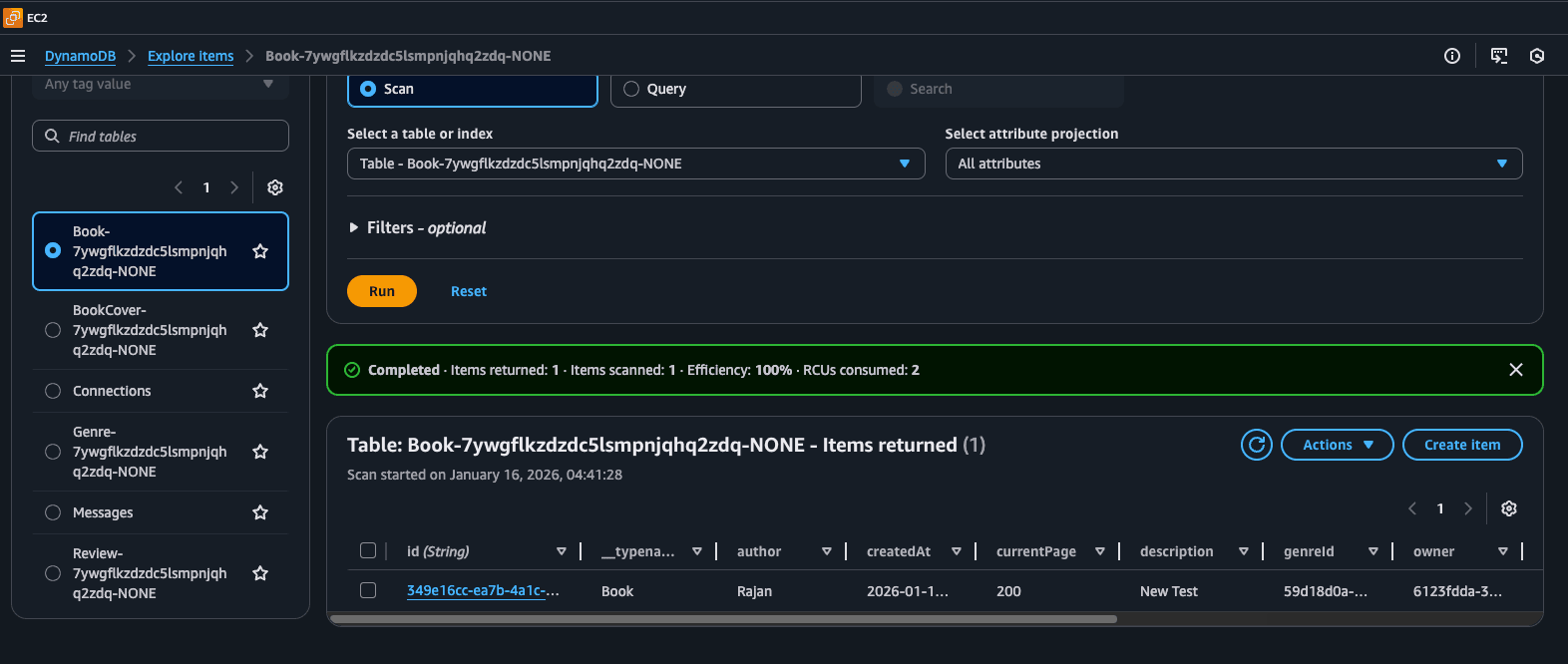
Dynamo DB
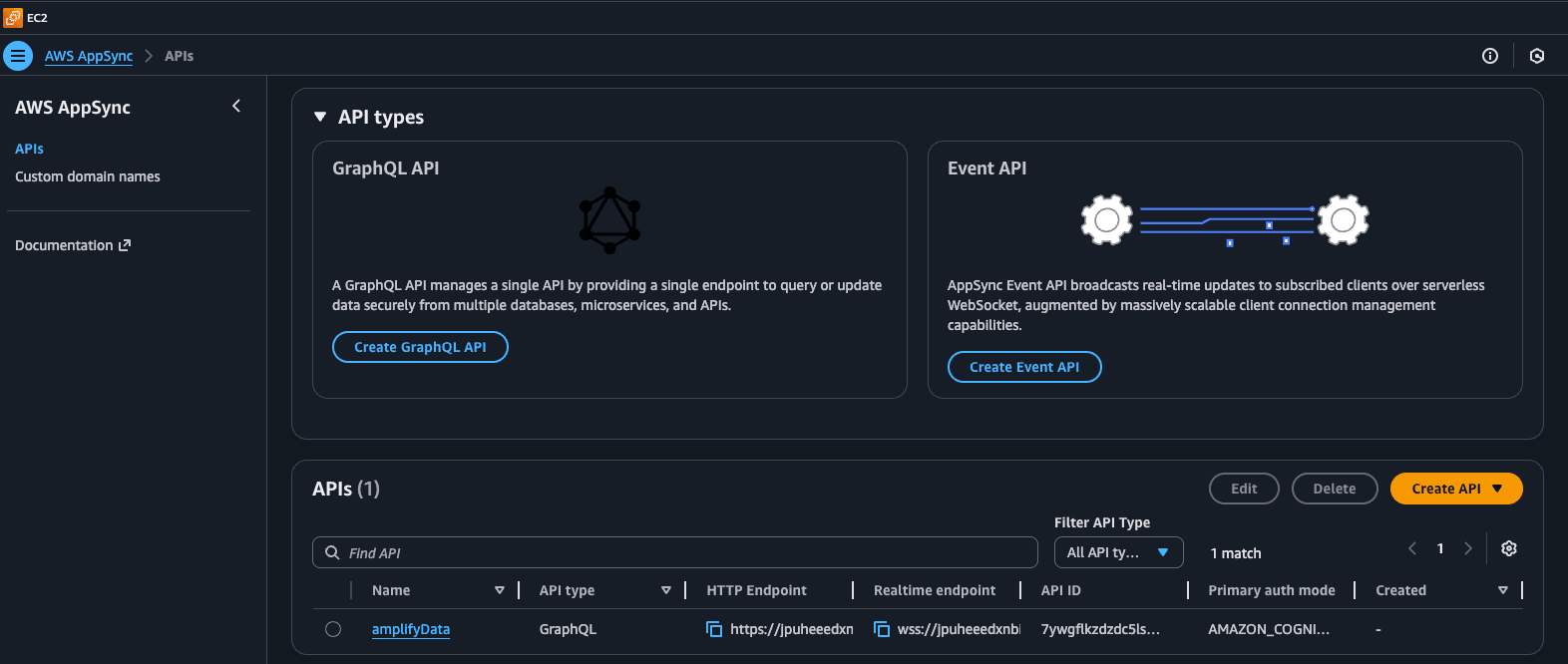
AppSync
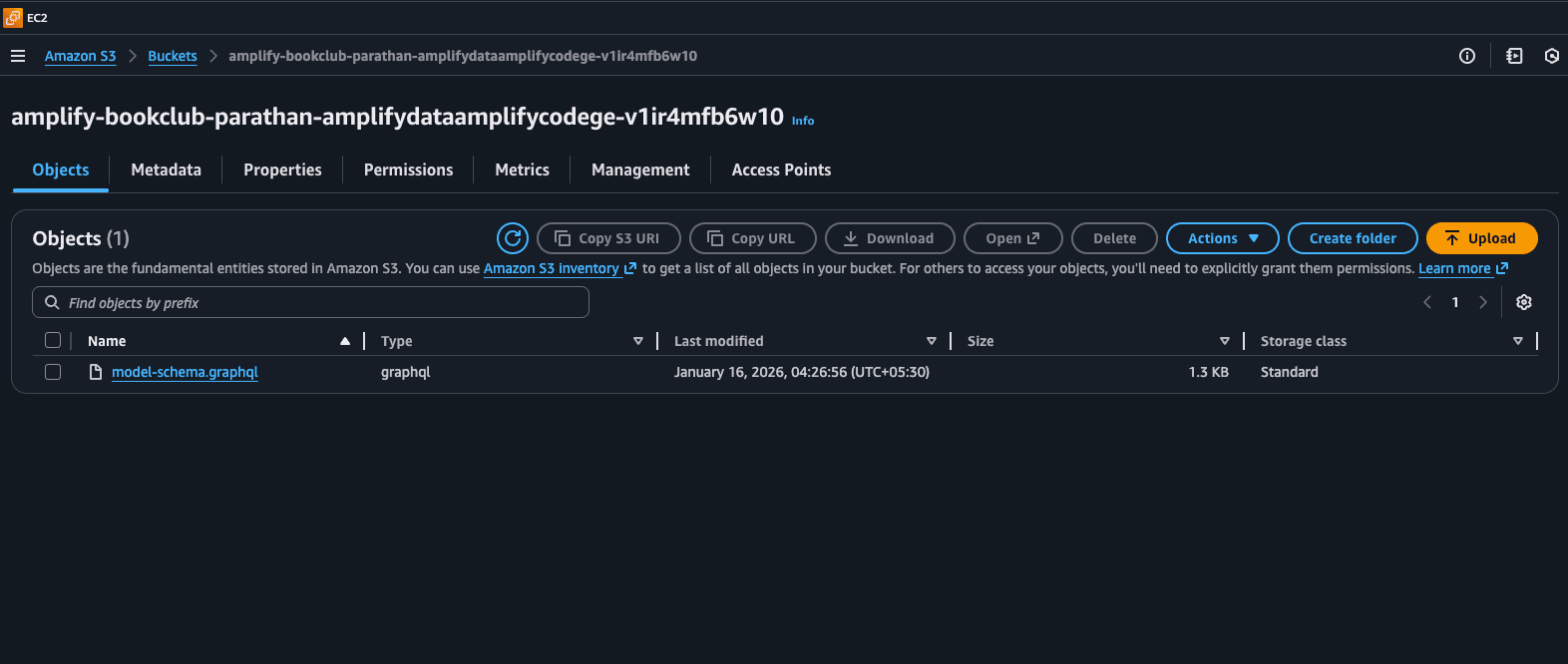
S3 Bucket
Should You Try This?
If you're a solo dev or small team building a TypeScript app, yeah. The type safety alone is worth it. MVPs and prototypes especially - you can go from idea to production in a day.
But if you need true multi-user real-time (like Google Docs), the owner-based auth will frustrate you. Everyone sees their own data update instantly, but not other people's. You'd need Firebase or Supabase for that.
Also, if you want full control over your infrastructure or you're building complex microservices, Amplify might feel too opinionated. It really wants you to use GraphQL.
And obviously, you're locked into AWS. No multi-cloud here.
Random Things I Picked Up
- AppSync to DynamoDB is way faster than going through Lambda. Only add Lambda when you actually need custom logic (API calls, image processing, that kind of stuff).
- IAM permissions will eat your time upfront. Just accept it. Scope everything properly from the start - use
amplify-*patterns instead of wildcards. - The sandbox is incredible for development. Change your schema, save the file, 30 seconds later it's deployed to your personal cloud sandbox. No CI/CD pipeline to wait for. And because it's real AWS resources (not local emulation), what works in sandbox works in production.
- Always clean up your subscriptions in useEffect (if use React as Frontend). I forgot this and wondered why my app was leaking memory.
- The free tier is really generous. Cognito, DynamoDB, and CloudWatch are free forever at pretty high limits. I'd have to try hard to exceed them.
- Gen 2 uses AWS CDK under the hood. Your TypeScript files get converted to CDK constructs, which generate CloudFormation templates, which provision actual AWS services. Understanding this flow helped me debug issues faster.
Wrapping Up
Built a working full-stack app in 1-3 hours. Running it costs $0.60/month for 100 users. No servers to manage. No Lambda cold starts. Real-time updates just work.
Would I use this again?
Yeah, absolutely. For what I'm building (personal projects, MVPs, TypeScript apps), this is perfect.
The IAM stuff is annoying, and the owner-based auth means I can't build collaborative apps easily. But for everything else? This is the fastest way I've found to ship something.
If you want to try it yourself:
npm create vite@latest my-app -- --template react-ts
cd my-app
npm install aws-amplify @aws-amplify/backend
npx ampx sandbox
This spins up your personal cloud sandbox. Build your app, test it, iterate. When you're ready to ship:
git push
npx ampx pipeline-deploy --branch main --app-id
And you're live. Give it 30 minutes total. You'll have something working in dev and deployed to production.
Questions? Hit the same IAM wall? Think I'm wrong about the subscriptions? Let me know.
Code's on GitHub: https://github.com/Parathantl/aws-amplify-gen-2-book-club
Find me on LinkedIn: https://www.linkedin.com/in/parathantl
This is all from actually building this thing. If something's wrong or you know a better way, please tell me.